
How-to - May 2, 2026
The Better Travel Photo Organizer for iPhone Screenshots
Your iPhone saves the image. SnapiiT helps save the travel idea behind it.
Your iPhone saves the image. SnapiiT helps save the travel idea behind it.
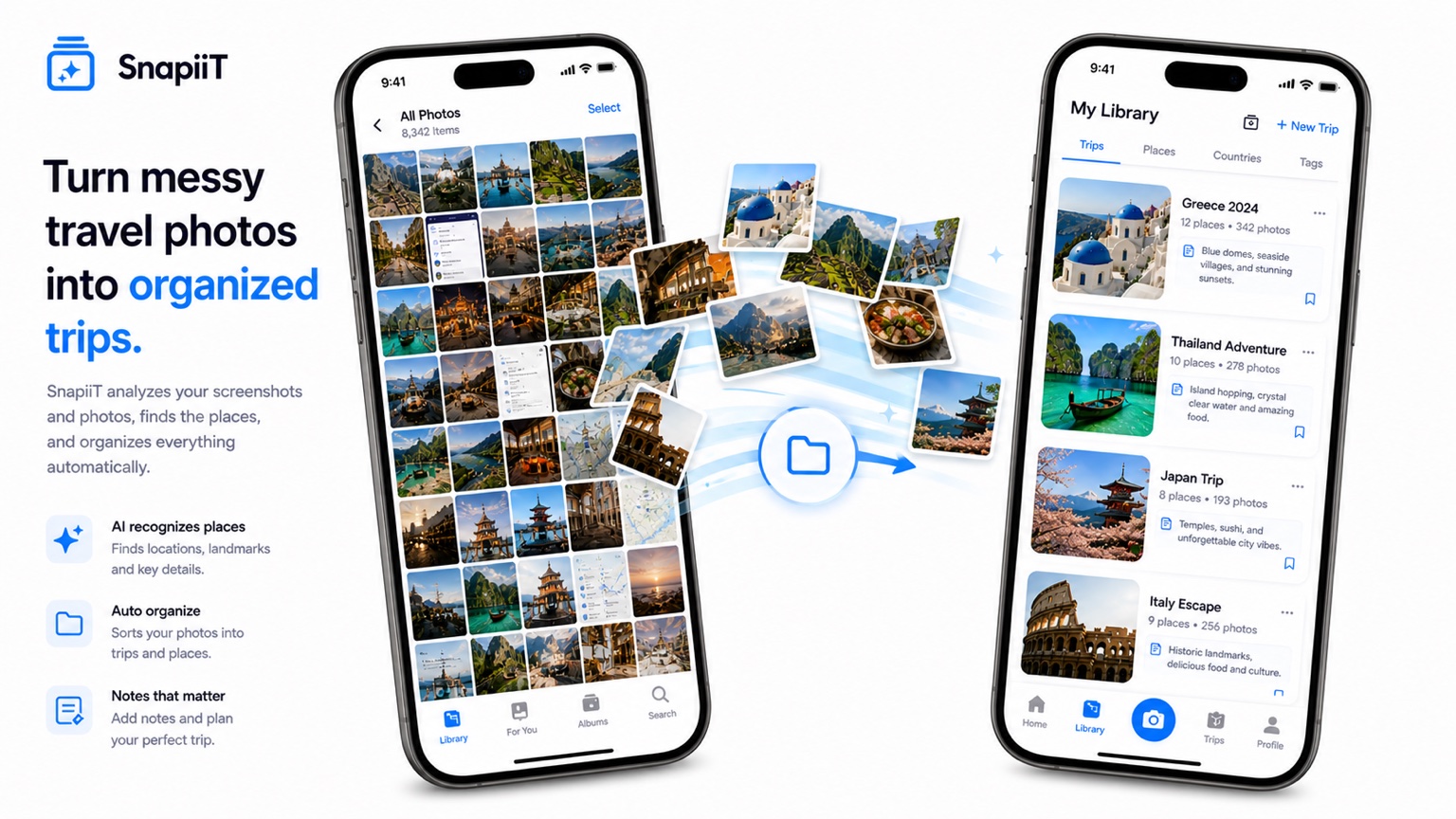
Apple Photos is excellent for memories, people, dates, and places you have already visited. Travel inspiration works differently. These are places you might visit later, saved from posts, articles, videos, messages, and maps. They often do not have location metadata, and they rarely include the reason you saved them.
A proper travel photo organizer needs to preserve the destination, the reason, the folder, and the planning context. Otherwise, a screenshot is just another image you scroll past.
The best folders are not generic labels like "Travel" or "Screenshots." They are planning decisions waiting to happen: "Paris long weekend," "Japan food stops," "Europe summer route," "Nature trips near home," or "Hotels worth planning around."
When the folder matches a possible decision, it becomes useful. You can open it and ask: is this enough for a trip, does this fit my budget, can these places be grouped into a route?
One sentence is enough. Write why you saved it, who recommended it, or what role it might play in a trip. A short note turns a pretty image into a planning object.
If you want the full workflow, start with the Travel Photo Organizer page and then read How to Organize Travel Inspiration Without Losing It.