
Guide - May 2, 2026
How to Build an AI Itinerary From Saved Places
A useful itinerary does not need to start from a blank search box. It can start with the places you already saved.
A useful itinerary does not need to start from a blank search box. It can start with the places you already saved.
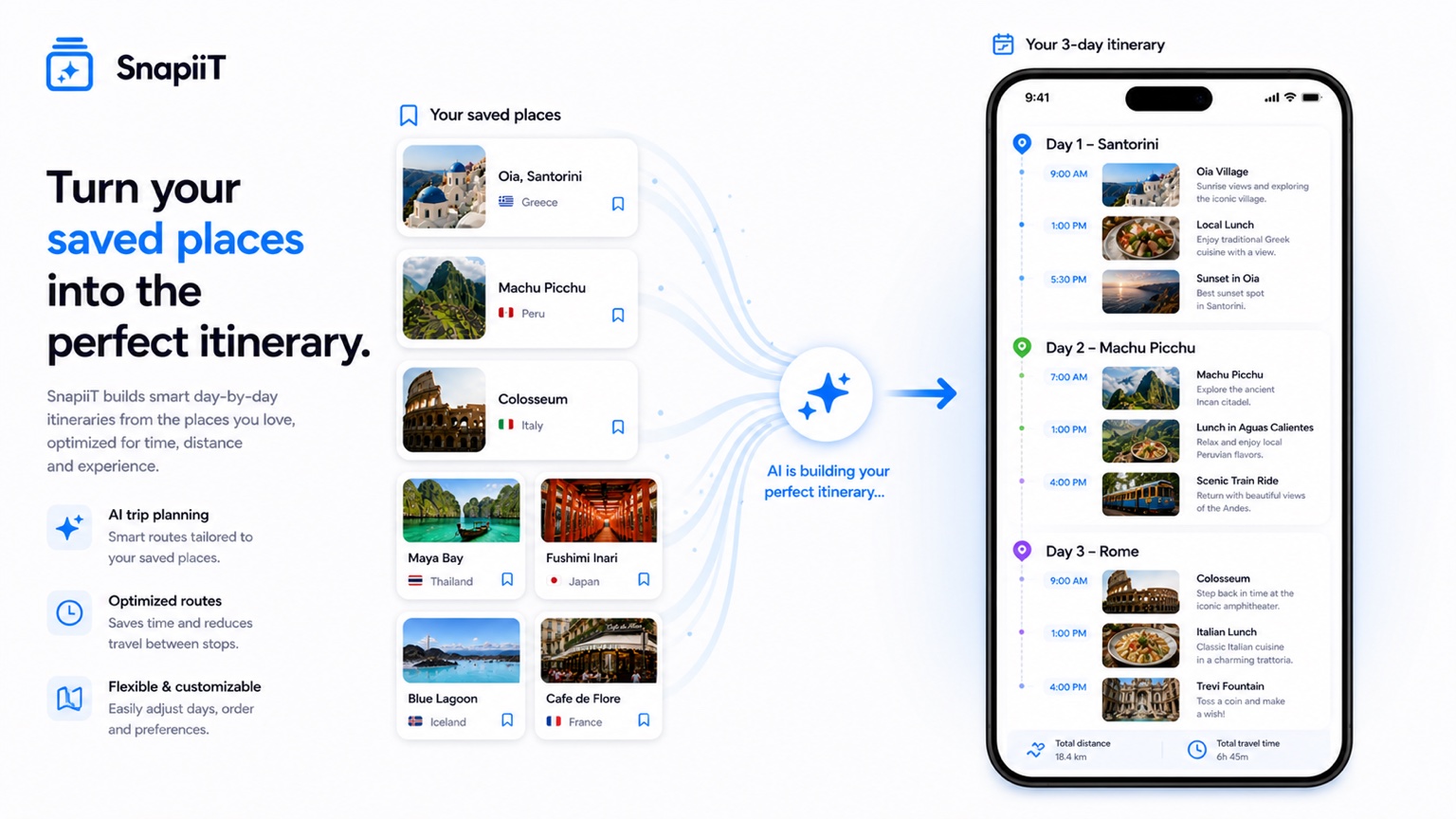
The best trip ideas often show up long before you have dates. You save a beach, a restaurant, a street market, a hotel, a viewpoint, and a museum. At first, those are scattered fragments. Together, they can become a route.
SnapiiT helps by turning the saved images into identified places first. Once those places are in your library, AI can work with the collection instead of guessing from a generic prompt.
Before building an itinerary, group related places into a folder. The folder should represent a possible trip, not a broad category. "Tokyo food weekend" is better than "Restaurants." "Portugal summer route" is better than "Europe."
Specific folders make the itinerary easier because the saved places already share context. AI can then focus on sequence, geography, and structure.
Short notes make route suggestions more personal. "Sunset viewpoint," "friend recommended," "good rainy day option," and "plan lunch nearby" are small details, but they help decide where a stop belongs in the day.
This is where saving context early pays off. When you finally build the route, the itinerary reflects your own intent instead of just a generic list of attractions.
Try the Screenshot to Itinerary workflow, or read the full screenshot-to-itinerary guide for a deeper example.